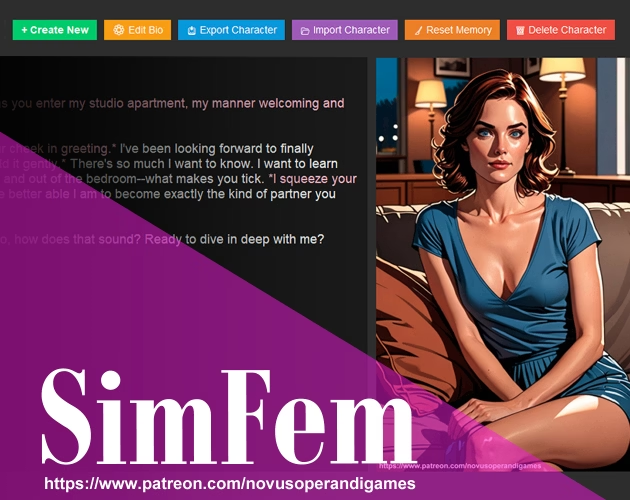
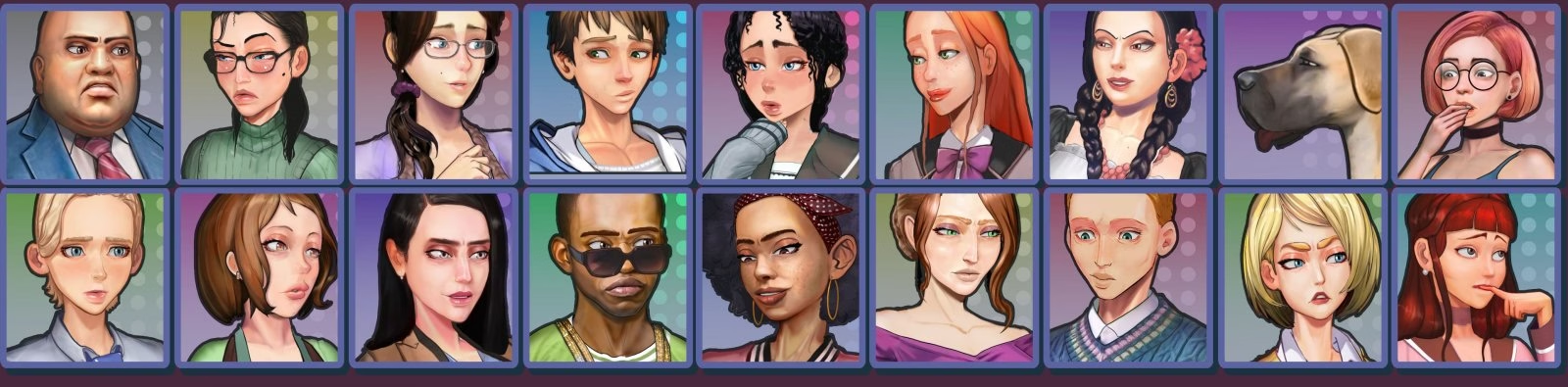
SimFem Suite is an adult AI companion simulation from Novus Operandi Game Design, built with an unspecified engine. It centers on creating and talking with virtual romantic partners, such as a girlfriend, boyfriend, alien goddess, or near-future pleasure bot. Players can add multiple companions, download author-made deluxe versions, or design and edit their own characters and scenarios. The game explores themes of artificial intelligence, romance, and domination through AI-generated companion experiences.
The current build is version 1.04, released on October 28, 2026, and development is ongoing. It runs on Windows 10 or newer, is available in English, and is uncensored. This update makes variant characters and chat sessions easier to create. After choosing New Character, players can make a fresh character or a numbered variant of an existing one. A variant starts with copied profile and portrait details but has its own identity, separate chat, and no shared memories, so edits do not change the original.
Developer's description
SimFem Suite: AI-Powered Romantic Companions
Bring your fantasies to life like never before, with a whole new dimension in AI-powered romance.
A virtual girlfriend, a virtual boyfriend. An alien goddess from another world. Maybe an advanced pleasure bot from the near future. Have as many special companions as you like, each one a unique fantasy unto themselves. Download deluxe companions crafted by an author, or create your own, then edit characters and scenarios to your heart’s content.
v1.04
New Feature: Easy Creation of Variant Characters & Chat Sessions.
The process of creating variant characters and chat sessions is now simpler than ever. After clicking the ‘New Character’ button, you now get two options: either create an entirely ‘New Character’ or create a ‘New Variant’ of the existing character. This will give you an entirely separate version of the character with a fresh chat session. Each variant will be numbered sequentially, e.g. ‘Character(1)’, ‘Character(2)’, etc.
Inherits Profile and Portrait.
A variant character inherits copies of the profile and portrait of the original character, but retains an entirely separate identity afterwards. You can change anything you like about a variant without affecting the original.
Does Not Inherit or Share Memories.
A variant character is a blank slate, inheriting none of the long-term memories or chat logs of the original. And going forward, all new long-term memories and chat logs will be kept separate.
Updates for Characters Now Check for Base Characters + Numbered Variants.
New Feature: Create & Manage Multiple User Personas.
Getting tired of copying and pasting the same user profile into multiple chat sessions? I know I was. So, I built a new system for creating & managing multiple user personas. You can now create any number of predefined user personas for yourself, and then plug those into any chat session you like.
Create, Edit, and Delete Multiple User Personas in New Editor.
Under the ‘Description of You’ field in the character editor, you’ll now find a new button labeled ‘Manage Personas’. This launches a new editor interface where you can create any number of user personas you like, then edit or delete them.
Plug User Persona Values into Any Chat Profile.
Once you have a user persona saved, you can plug its values into any character chat profile you like with the new ‘Load from Persona’ selector. You’ll find this right next to the new ‘Manage Personas’ button, and it lets you plug the values from a saved persona directly into the ‘Description of You’ field. If you want the default, boiler plate template instead, just select ‘[Default User Template]’ from that same dropdown.
Freely Customize Values After They’re Plugged in.
Once you populate the ‘Description of You’ field with the values from a predefined persona, you can still edit and customize those values however you like for the needs of the current chat. Even if you save these changes to the chat profile in question, they won’t change the underlying persona. Only edits made to personas inside the ‘Manage Personas’ menu will permanently affect them.
Misc. Updates
Updated TTS behavior of ‘Set as Favorite’ shortcut.
The TTS response for this keyboard shortcut in the character editor has been changed to be more clear. Previously, it stated “checked” or “not checked”. Now, it states “checked – favorite” or “not checked – favorite”.
Updated label of ‘Bio Edit’ button to read ‘Profile Edit’ for greater clarity.
Also updated keyboard shortcut from Alt+b to Alt+p.